Appearance
Fixed Assets
The Assets module manages the full lifecycle of fixed assets from setup and registration through acquisition, depreciation, maintenance, verification, insurance, capitalization, and disposal.
Navigation: Assets → Asset Register / Transactions / Depreciation / Capital Projects / Compliance
Use the current Assets guide pages for the detailed user workflows:
Module Structure
| Page | Description |
|---|---|
| Asset Register | View and manage fixed asset records, custody, status, and values. |
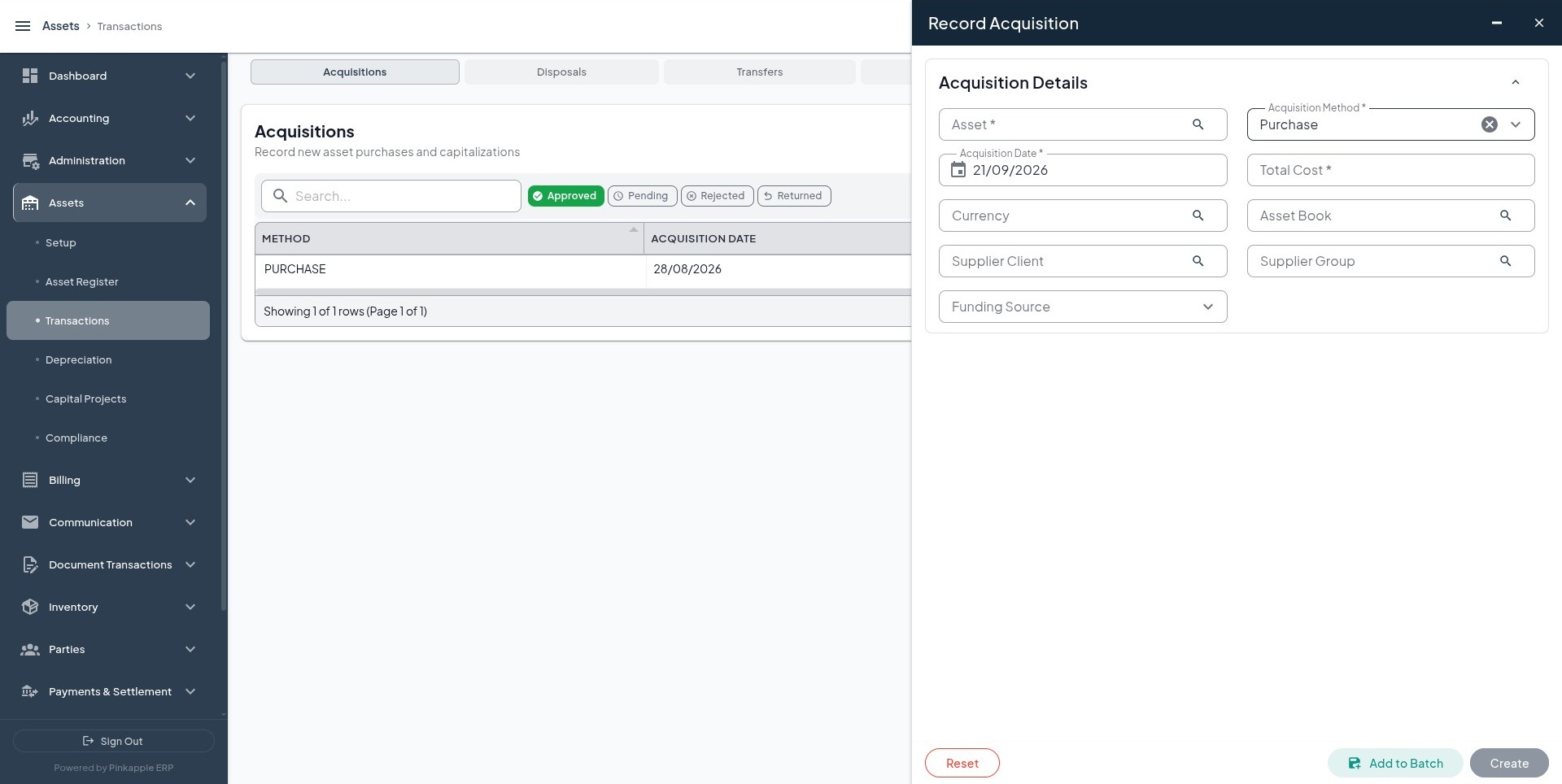
| Transactions | Record acquisitions, transfers, disposals, revaluations, and impairments. |
| Depreciation | Run and review depreciation for selected periods, books, and asset types. |
| Capital Projects (CIP) | Track capital work in progress and capitalize completed projects. |
| Compliance | Maintain service history, insurance coverage, and physical verification. |
Workspace Reference
| Workspace | How Users Reach It | What Users Usually Do There |
|---|---|---|
| Asset Setup | Assets -> Setup | Configure asset types, books, products, depreciation rules, GL integration, and locations. |
| Asset Register | Assets -> Asset Register | Register and maintain asset records, tags, custody, location, value, and lifecycle state. |
| Transactions | Assets -> Transactions | Record acquisitions, transfers, disposals, revaluations, impairments, and related finance follow-up. |
| Depreciation | Assets -> Depreciation | Run and review depreciation for selected periods, books, and asset filters. |
| Capital Projects | Assets -> Capital Projects | Track work-in-progress costs and capitalize completed projects. |
| Compliance | Assets -> Compliance | Maintain maintenance, insurance, and verification evidence. |
Administration Setup
Configure in Administration → Assets before operational use:
| Setup Page | Purpose |
|---|---|
| Asset Types | Categories, subtypes, lifecycle model, thresholds, and default depreciation behavior. |
| Asset Books | Financial, tax, or management views of depreciation and value. |
| Asset Products | Reusable templates for repeated asset classes. |
| Depreciation Rules | Methods, useful life, residual value, and run behavior. |
| GL Integration | Finance rules for acquisitions, depreciation, transfers, revaluations, impairments, and disposals. |
| Locations | Shared operational places used by registration, transfer, custody, and verification. |
GL Integration Prerequisites
Before posting any asset event to the ledger, make sure the following are in place:
| Requirement | Why It Matters |
|---|---|
| Asset Type and Product | Determines lifecycle, depreciation behavior, and finance context. |
| Asset Book | Controls which financial, tax, or management book is being updated. |
| Asset Posting Rule | Defines how acquisition, depreciation, disposal, and related events are reviewed by finance. |
| Approved Configuration | Prevents unreviewed setup from being used in live activity. |
For most live environments, the first accounting events to validate are:
- Acquisition
- Depreciation
- Disposal
Asset Register
Registering an Asset
- Navigate to Assets → Asset Register.
- Click Create Asset.
- Fill in the form:
| Field | Description |
|---|---|
| Asset Tag | Unique user-facing asset reference. |
| Serial Number | Manufacturer or supplier serial number where available. |
| Description | Clear asset description. |
| Asset Type | Approved asset category. |
| Asset Product | Optional reusable product template. |
| Depreciation Rule | Rule used for depreciation where applicable. |
| Primary Location | Where the asset is held or used. |
| Current Custodian | Person responsible for the asset. |
| Commissioning Date | Date the asset became ready for use. |
| Warranty Expiry Date | Warranty end date where applicable. |
- Submit the form.
Asset Details
| Field | Description |
|---|---|
| Net Book Value | Current carrying value after depreciation and adjustments. |
| Accumulated Depreciation | Total depreciation charged to date. |
| Original Cost | Initial capitalized cost. |
| Fair Market Value | Current valuation estimate where recorded. |
| Status | Operational state such as active, disposed, or under maintenance. |
| Lifecycle Stage | Where the asset sits in its lifecycle. |
| Condition Rating | Physical or operational condition. |
Depreciation
Depreciation Methods
| Method | Description |
|---|---|
| Straight-Line | Equal depreciation each period: (Cost − Residual) ÷ Useful Life |
| Reducing Balance | Percentage of net book value each period |
Running Depreciation
- Navigate to Assets → Depreciation.
- Click Run Depreciation.
- Select Period From and Period To.
- Optionally filter by Asset Book or Asset Type.
- Confirm the Run Date.
- Review totals and exceptions after the run.
- Finalize only after finance review.
Multi-Book Depreciation
Pinkapple supports multiple depreciation books for the same asset:
| Book | Purpose |
|---|---|
| Financial | For financial reporting (IFRS/GAAP) |
| Tax | For tax compliance (may use different rates) |
| Management | For internal management reporting |
Asset Transactions
| Transaction | Description |
|---|---|
| Acquisition | Recording a new asset purchase |
| Transfer | Moving an asset between business units |
| Disposal | Selling or scrapping an asset |
| Revaluation | Adjusting the asset's carrying value |
| Impairment | Recording a loss in value |
Financial transactions create asset financial events for finance review and posting.
Asset GL Event Types
Asset GL integration is normally configured around business events rather than generic free-form journals. Common event types include:
| Event Type | Typical Outcome |
|---|---|
| Acquisition | Capitalizes the asset and offsets cash, payable, or clearing. |
| Depreciation | Moves value from asset cost into accumulated depreciation and expense. |
| Disposal | Clears cost and accumulated depreciation and recognizes gain or loss. |
| Transfer | Reassigns ownership, location, custodian, department, or business unit without losing audit continuity. |
| Impairment | Recognizes a reduction in recoverable value. |
Capital Work in Progress (CIP)
Track construction and development projects that will eventually become fixed assets:
- Create a CIP project with asset type, budget, currency, start date, and expected completion.
- Record cost lines as they are incurred.
- Review accumulated cost and budget utilization.
- When complete, Capitalize the project into a fixed asset.
Compliance
Maintenance
Track scheduled and unscheduled maintenance:
- Maintenance schedules and reminders
- Cost tracking per maintenance event
- Service provider records
Insurance
Manage asset insurance policies:
- Policy numbers and coverage amounts
- Premium tracking
- Expiry date monitoring
Verification
Physical asset verification and audit:
- Verification schedules
- Physical count records
- Discrepancy reporting
Reporting Coverage
Out of the box, asset operations are supported by reporting and drilldown views for:
- Asset Register
- Asset Financial Events
That means operations teams can report on current assets and inspect the financial history of a selected asset. If you want those datasets surfaced in a broader reporting workspace, make sure the reporting catalog in your environment has been configured to expose them.
Configuration Notes
Pinkapple treats the following asset setup records as approval-controlled in many environments:
- Assets
- Asset Types
- Asset Products
- Asset Posting Rules
This matters operationally because a partially configured or unapproved asset setup can block depreciation runs, acquisition posting, or disposal settlement even when the asset record itself exists.
Next Steps
- Reporting — Asset reports and depreciation schedules
- GL Integration — How asset transactions flow to the GL